
Promotion content has two states to plan: while the offer applies and after it ends. Many websites prepare the opening banner carefully without deciding what visitors will see once the period is over. Headings, buttons, and explanatory text can then send conflicting messages.
Business owners should prepare the end of a promotion before its first content is published. The aim is to keep customer-facing information clear. The right approach depends on the offer, whether the page needs to remain available, and how the business handles enquiries. Every promotion does not need to disappear immediately when it ends.
Record the complete time boundary
Write down the date, time, and applicable time zone. If the offer has another boundary, such as a quantity limit or an approval condition, ask its owner to confirm the correct wording. Do not infer rules from an old banner without checking their source.
Also clarify what that time means in the business process. Does it apply to form submission, payment, or another specified stage? The explanation must come from the promotion policy. The website communicates approved rules so readers do not have to guess.
Use one main record for the content team and people receiving enquiries. Possible fields include the promotion name, owner, start time, end time, conditions, related pages, and the message after completion. This internal record provides a reference when website content and other materials differ.
List every place showing the offer
A promotion may appear on its own page, the homepage, service listings, articles, and individual buttons. Include links from campaigns outside the website in the check list. Visitors can still arrive through old links after the homepage banner changes.
Record the required change for each place. A heading may need to state that the offer has ended, a button may lead to current service information, and pricing text may need to return to currently applicable information. Changing one banner does not automatically update all related pages.
| Location | Preparation needed |
|---|---|
| Promotion page | End status and a next step |
| Homepage | Replacement content and destination link |
| Service page | Information that applies after the offer |
| Older campaign links | A destination that still helps visitors |
The list can be reused for another promotion. Its details must still reflect the pages actually used for that offer.
Prepare the replacement before the promotion ends
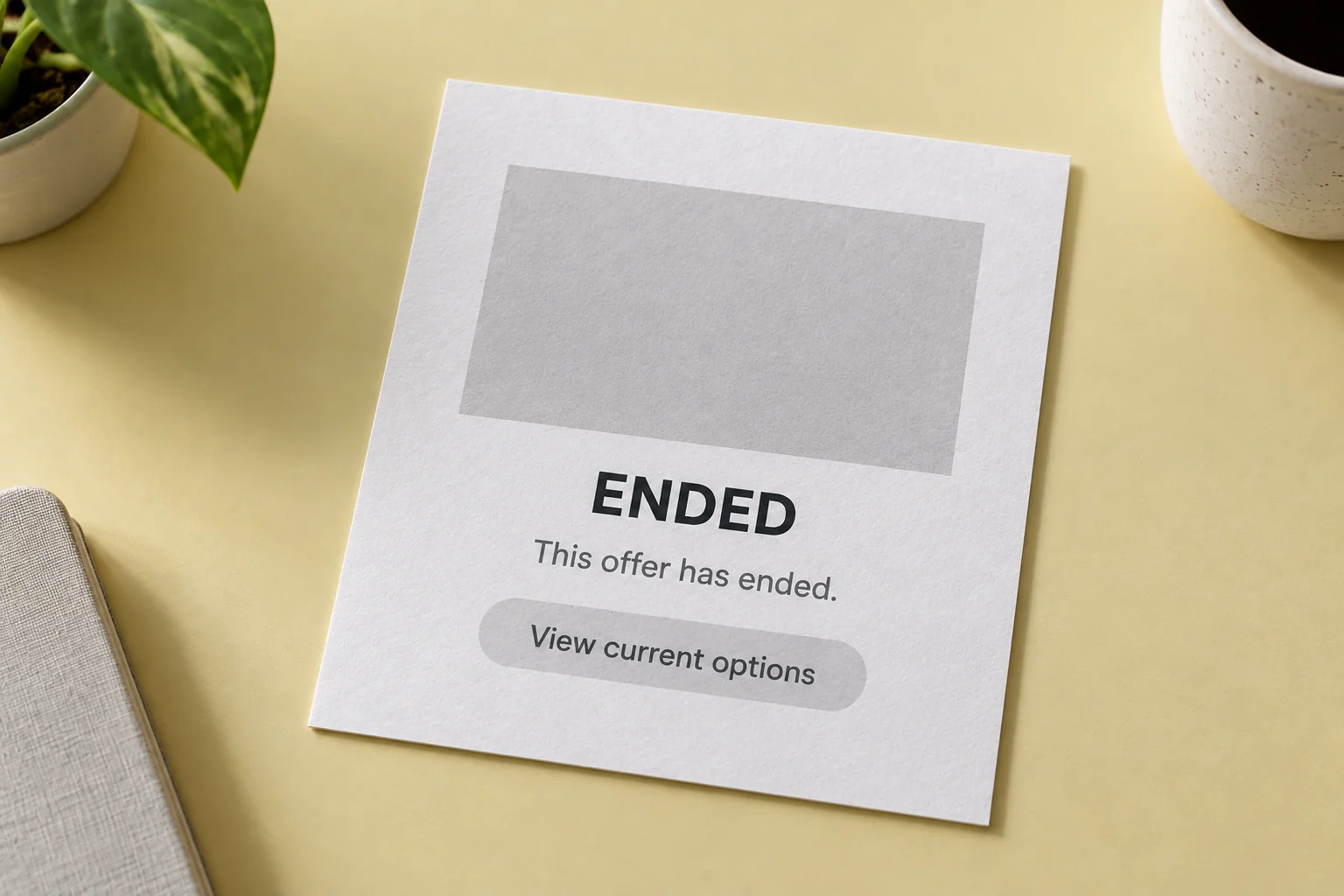
A replacement message should state the status plainly and offer a next step. For example, explain that the offer period has finished and direct readers to current service information or an enquiry route. Do not leave an ordering button promising conditions that have already ended.
If the page remains available as a reference, retain its date context and distinguish historical information from current information. The ended status should be visible before readers reach the call to action. Someone arriving from search may never open the homepage first.
If the replacement destination is undecided, resolve it before the promotion begins. Sending every old link to the homepage can remove useful context. Choose the destination closest to the original need, with an explanation of the changed status.
Agree how boundary-time enquiries are handled
People receiving enquiries need to know what customers will read. Prepare responses about the applicable period and the information that needs checking. Avoid promising exceptions through website wording unless the offer owner has approved them.
One useful internal example is a form submitted near the end time but read by the team afterwards. Determine the rule from the business process and document its reference. This article does not set that policy; the owner of the offer decides how such a case is treated.
Keep communication routes aligned too. If the reader is directed to a particular contact, make sure that person knows about the content change. Website status and team responses should help customers understand the same information.
Check content before and after the change
Before the promotion starts, read the active version and replacement side by side. Confirm headings, conditions, dates, images, and buttons for each state. Check the links from other pages identified in the working list.
After the change, open an older link as a visitor would. Make sure the ended status, button destination, and current service information can be found. When content is scheduled, the business owner still needs to know who handles a failed change or an information correction.
At WebsiteKilat, promotion content requirements can be discussed as part of business website management. Bring an example offer and the list of places where it appears so the changeover structure can be defined clearly. Other website guides can help organise content management material.
Keep a short completion record
After the promotion ends, record the change time, pages retained, and subsequent link destinations. Keep the approved conditions for internal reference under the business’s retention rules. Continuing visits to an old page do not justify leaving an outdated offer active.
This record helps the next promotion follow a process the team understands. The website can continue giving useful answers throughout the content’s life, from the active offer to a visitor returning through an older link.


