
A visitor follows an old link from a message or search result and reaches an unavailable page. This can happen after content moves, an address is mistyped, or a page is deliberately removed. The website still needs to explain the situation and help the person continue.
A useful 404 page does not need to be elaborate. It needs an understandable message, relevant choices, and appropriate technical behaviour. Discuss it during website maintenance, especially when changing addresses or the organisation of content.
Explain the situation without blaming visitors
Say that the requested page could not be found. Avoid insisting the visitor typed incorrectly, because the website’s own link may be responsible. A short, neutral message is more helpful than a lengthy technical explanation about the server.
The number 404 can remain as a marker, but include a sentence explaining its meaning. Visitors do not necessarily recognise the code. Do not replace the entire explanation with a joke that leaves people guessing whether the site is broken or the page is missing.
Retain the context needed to continue. The business name and main navigation help people confirm that they are still on the intended website. Follow the existing template without introducing distractions into an already confusing situation.
Offer relevant ways forward
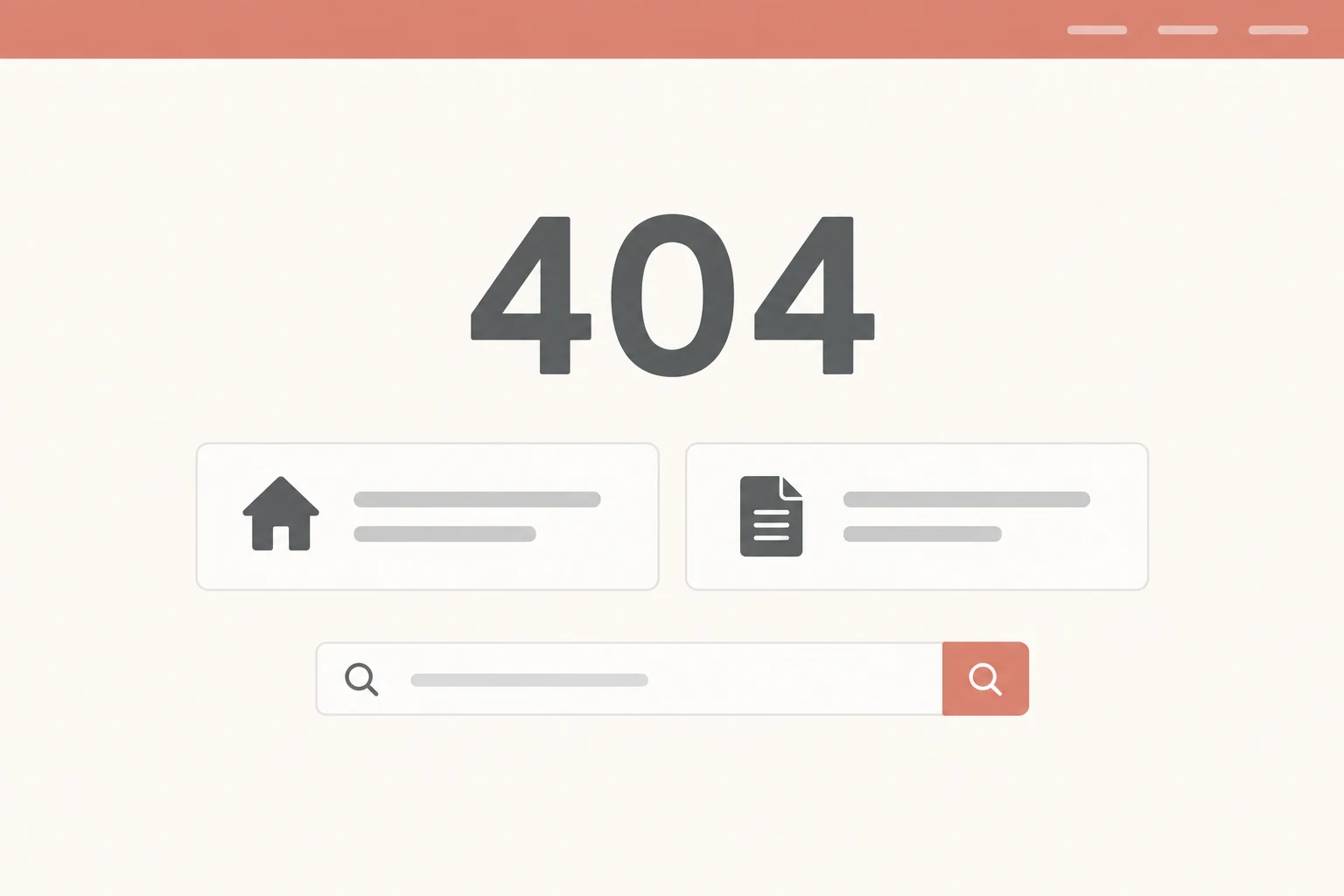
The homepage is one option rather than the only option. Someone seeking a service may benefit more from the service list. Somebody looking for guidance can continue to the article index. Select routes based on content that actually exists.
If the website has working search, offer it as an additional choice. Do not display a field that only resembles search without producing a useful route. On a small site, two or three clear links may help more than an unfinished feature.
Explain each destination. “View services” or “Read guides” provides better direction than several buttons saying “click here”. Avoid listing every page at once; visitors need a way forward rather than a long, unordered catalogue.
Keep the HTTP status correct
The visible message and response status are separate matters. A page can say “not found” while returning status 200. Google’s HTTP status documentation explains treatment of 404 responses and soft 404 situations.
Ask the technical owner to check a nonexistent address through the production serving configuration. Do not assume the correct appearance proves the status is correct. This checks the page’s behaviour rather than reassessing website design.
Use a sample address without personal information. Record the address, response status, and visible navigation choices. Where a CDN or hosting configuration affects responses, check the visitor’s actual route through the public domain.
Distinguish missing pages from moved content
When a page moves to a new address with equivalent contents, a redirect can preserve the visitor’s journey. Record the old and new address pair, then confirm the destination serves the same intention.
Do not automatically send every nonexistent address to the homepage. That can conceal broken links and take visitors to content they were not seeking. Removing a page without an equivalent replacement requires a different decision from merely changing its address.
A fictional example: a materials-preparation guide moves to a new address with the same contents. That differs from a discontinued service without a replacement. The content owner should explain the situation before the technical owner creates redirect rules.
Find links that need correcting
A 404 page helps when something goes wrong, but incorrect internal links still need fixing. Check menus, buttons, related articles, and recently updated pages. Changing one slug can affect several places at the same time.
Links in old emails or printed materials may not all be editable. Identify materials still in use and decide whether an equivalent redirect is available. Use agreed addresses in new materials so errors do not keep accumulating.
If the team records missing addresses, look for meaningful patterns. Do not assume every random address needs a new page. Prioritise routes related to actual content and real visitor requirements.
Check the journey after the 404 page
Open a sample unavailable address on the phones and desktops the team ordinarily uses. Make sure the message is readable and destinations work. If search is available, try a term relevant to existing contents.
Follow the links until information is found, rather than stopping when a button changes pages. Visitors need a sensible route to continue. Assign somebody to update these choices when services or content indexes change.
Bring examples of old addresses and expected destinations when discussing the website with WebsiteKilat. A 404 page is a small part of purposeful maintenance: explain the situation, provide choices, and help the team repair problematic routes.


