
Image dimensions and file size measure different things. Pixels describe an image’s width and height, while file size describes how much data is stored or transferred.
Both matter when preparing website photographs. A large image can have a relatively small file because of its format and compression. An image appearing small on a page may still be substantial to download. Before exporting, establish its placement and the visual information that visitors need to recognise.
Read dimensions as width and height
Dimensions are commonly written as width × height in pixels. They describe the image area, rather than the physical size of the photographed product. Their ratio helps identify a wide, portrait or approximately square image and makes placement requirements easier to discuss.
That ratio matters in a card or header. If the display area is wider than the source image, a crop or an adjustment to the surrounding space may be needed. Stretching the image simply to fill the area can distort a product, face or lettering.
Retain a good original source. It provides room to prepare different display versions. Enlarging a small file does not automatically restore missing detail; its dimension numbers can increase without adding information useful to the visitor. A larger exported canvas and a more informative photograph are not the same outcome.
Distinguish intrinsic size from display size
A website can display images in different areas depending on the device and component. The width you see on screen is not necessarily the width of the source file. A large image may be visually reduced while its transferred data still deserves attention.
MDN’s multimedia guidance discusses appropriate image sizing and formats for web delivery. For a content owner, the practical step is to tell the website manager where the image will be used instead of supplying one file assumed to suit every position.
Different screen densities can also affect appropriate delivery sizes. Developers can handle responsive source choices through the existing template. You do not need to guess every technical output size; provide a suitable original and clear composition requirements so that the needed versions can be prepared properly.
When receiving exports, match filenames with their intended placements. Two files showing the same subject may serve different needs. Do not replace a card version with a full original merely because its numbers are larger; first establish whether that component actually needs the replacement.
Start with where the image will appear
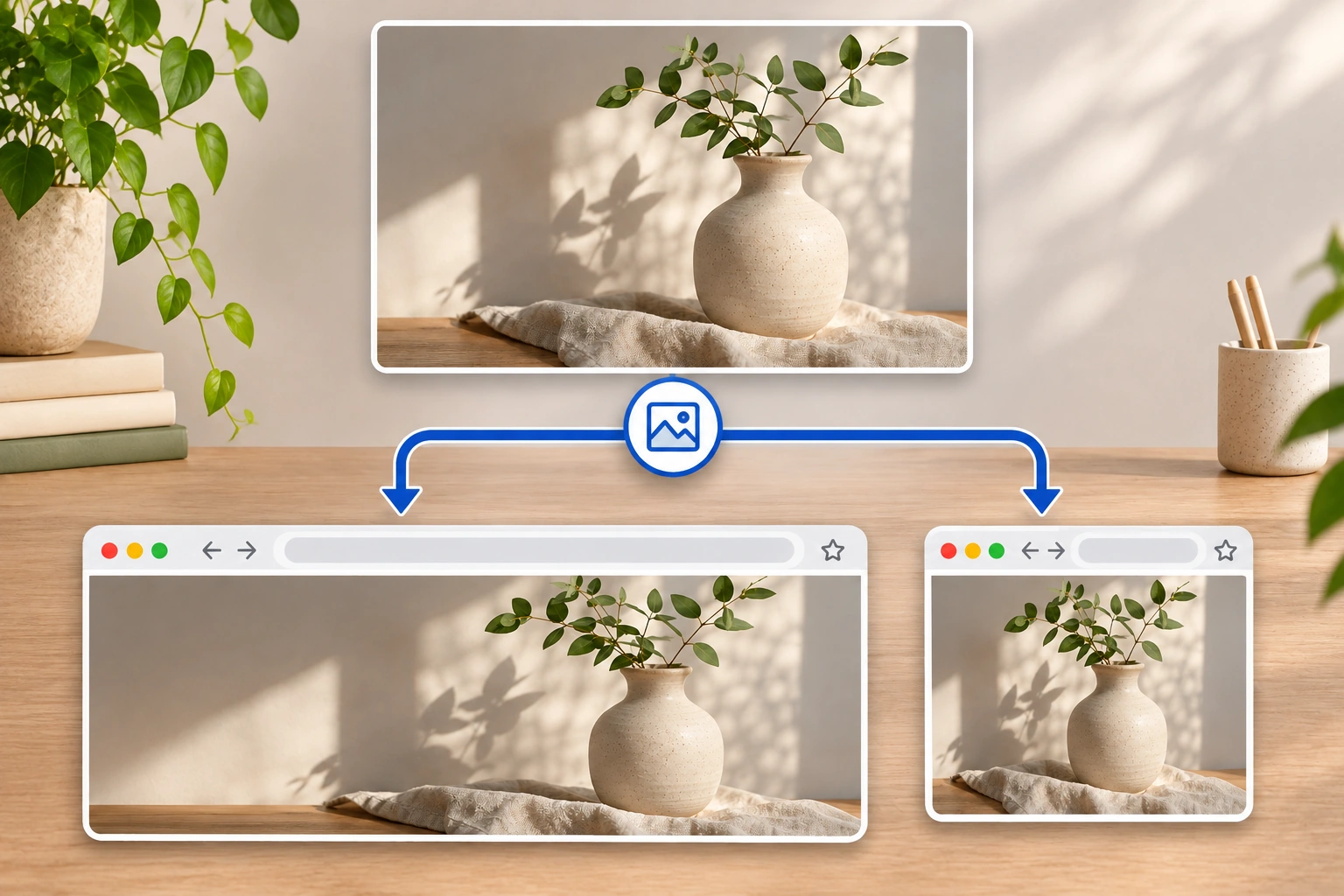
Separate wide headers, listing cards, product-detail images and article figures. The same subject can require different crops. A header may need room beside the subject for text, whereas a product detail may need to retain a feature or material being explained.
Identify parts that must not be cropped, such as a packaging logo or the feature under discussion. Avoid important information close to the edge when an image will serve several aspect ratios. A source with more surrounding room gives the manager better options for narrow screens.
Inspect the version at its intended display size. Small lettering visible in a full-size file may disappear in a card. If that wording matters, provide it in the page text too, so that visitors do not have to enlarge the picture to understand the product or its relevant specification.
Assess file size alongside visual quality
Dimensions, format, compression and image content can all affect file size. A detailed photograph does not necessarily behave like a simple area of flat colour. One universal kilobyte limit can therefore ignore the purpose of individual images.
After export, inspect the important details: product edges, texture, necessary lettering and distracting colour changes. Seek efficient delivery without accepting damage that removes useful information. The smallest file is not automatically best if visitors can no longer recognise what the picture is meant to explain.
State any transparency requirement. Adding a white background should not silently be treated as equivalent to retaining the original transparent area. Format and processing choices should follow the intended use and the capabilities of the existing template rather than a habitual export setting.
Name sources and versions clearly
Use filenames that distinguish the original from display versions, identifying the subject and placement where useful. Keep a short note of an approved crop or a feature that must remain visible. Avoid sending several files called final without indicating which version applies.
A handover list can identify the source, dimensions, purpose, aspect ratio and crop requirements. The exported file size can then be assessed with the website manager. That is more actionable than requesting “high definition but lightweight” without explaining the viewing need.
Use the wider guide to preparing website logos, photographs and content to organise the complete material. For the first image, establish the subject that must remain readable, its placement and the required ratio. Pixel dimensions and file size then become purposeful choices rather than isolated numbers.


