
An email link using mailto asks the visitor’s device to open an appropriate email composer. Clicking it does not send a message or prove that the business inbox has received an enquiry.
That distinction matters when preparing a contact page. Visitors may use a desktop mail app, webmail or a device without an email-link handler configured. Provide a clear address and sensible contact choices instead of assuming every click creates a new conversation with the business.
Separate an email link from a contact form
An email link commonly uses a destination such as mailto:[email protected]. MDN’s anchor-element documentation explains this scheme. It starts message composition through the device’s email handler, unlike a form that submits information through the website’s system.
Different paths require different success checks. An opened composer indicates that the link reached a particular application. A message in Sent and a message received by the business are later events that need their own verification. One observed stage does not establish that all subsequent stages succeeded.
Label the action accordingly, such as Email Us or Write an Email. Do not display a success message claiming receipt as soon as the link is clicked. The website cannot infer everything happening in the visitor’s email application from that click alone.
If analytics records the link click, read it as an interaction with that control. It is not automatically an incoming email or an actionable lead. Assess business results alongside receiving records and the team’s process, without putting private message contents into website measurement.
Display an address people can read and copy
A visible address lets visitors inspect the destination before sending. Ensure that the displayed text matches the link target. An error in either can leave someone reading one address while composing a message to another.
Use a business address approved for enquiries. Confirm the domain spelling and mailbox with its owner. A staff member’s private address should not be published merely because it appeared in a project conversation; its intended use and responsibility need to be explicit.
Allow the address to be copied through ordinary device controls. Someone without an automatic handler can then paste it into their preferred mail service. If the website supplies a copy button, describe the actual outcome: the address was copied, rather than an email was sent. That small wording choice keeps the visitor’s understanding aligned with the action.
Keep any preset subject brief
The link can carry a subject or initial message where useful. Choose wording that helps visitors recognise its purpose, such as a service enquiry. Let them review and edit it before sending because their actual requirement may differ from the preset sentence.
Avoid putting personal information, identity numbers or sensitive details into the URL. A link can be copied or recorded outside the normal email body. Where particular information is needed, choose an appropriate collection method and explain the requirement rather than placing it into a generic contact link.
Ask the website manager to handle spaces and punctuation correctly. The content owner can inspect the opened composer: is the subject complete, does the initial text appear in the intended field, and has any part of the wording accidentally become another parameter? Check the visible result rather than assuming a link that opens must contain the right content.
Distinguish composing from sending
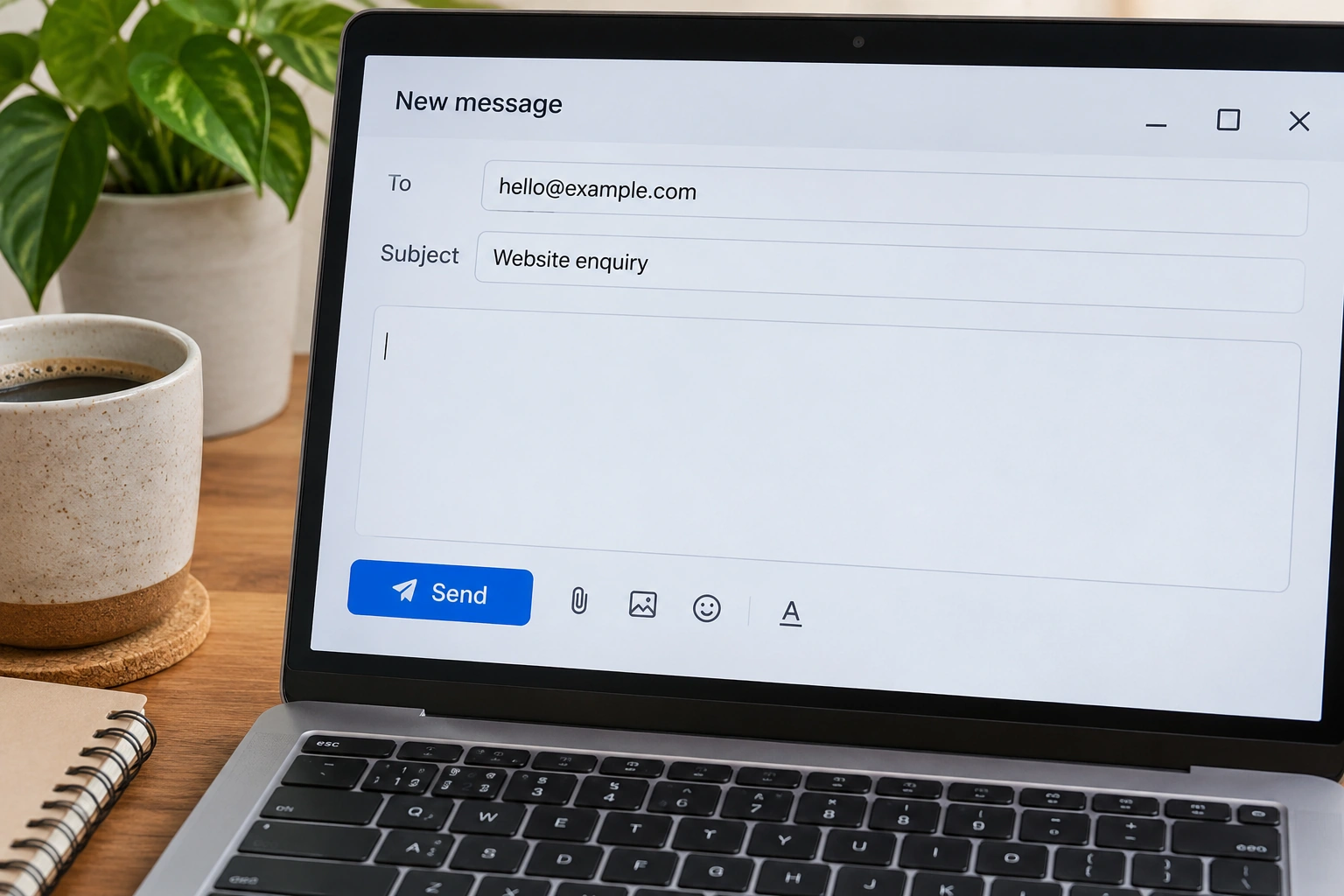
Test from devices relevant to customers with known email settings. Review the recipient, subject and starting message. Success on one device does not establish that all visitors use the same handler or have configured it in the same way.
Proton’s default-handler guidance demonstrates that application settings affect how email links open. If a device asks the user to choose an app or does not open a composer, record that condition before deciding that the website address itself is wrong.
Where a business needs to test actual receipt, deliberately send an agreed test message from an approved address and make its purpose clear to the recipient. Verify receipt and retain any necessary operational result. Do not send repeated empty messages whenever somebody experiments with the contact button.
Provide a route without an email handler
A readable address offers a basic copy-and-paste option. A website can also provide a form or another channel the business actually uses. Match those choices to the team’s ability to receive and answer enquiries instead of adding footer icons without an operating arrangement.
For a form, follow the contact-form testing guide. A successful mailto check does not establish that a form works, and a working form does not validate the email link. They remain different entry points even when the same team handles the resulting messages.
Before considering the contact page ready, align four things: the displayed address, link destination, composer behaviour and receiving owner. An accurate check helps visitors understand the click’s outcome while giving the business an enquiry route it can manage clearly.


